Afu
A downloadable tool for macOS
Shared download count

Successful download starts across the official websites and itch.io, counted since October 4, 2026. Reload this page to refresh the total.
Compress, encrypt and extract on your Mac.
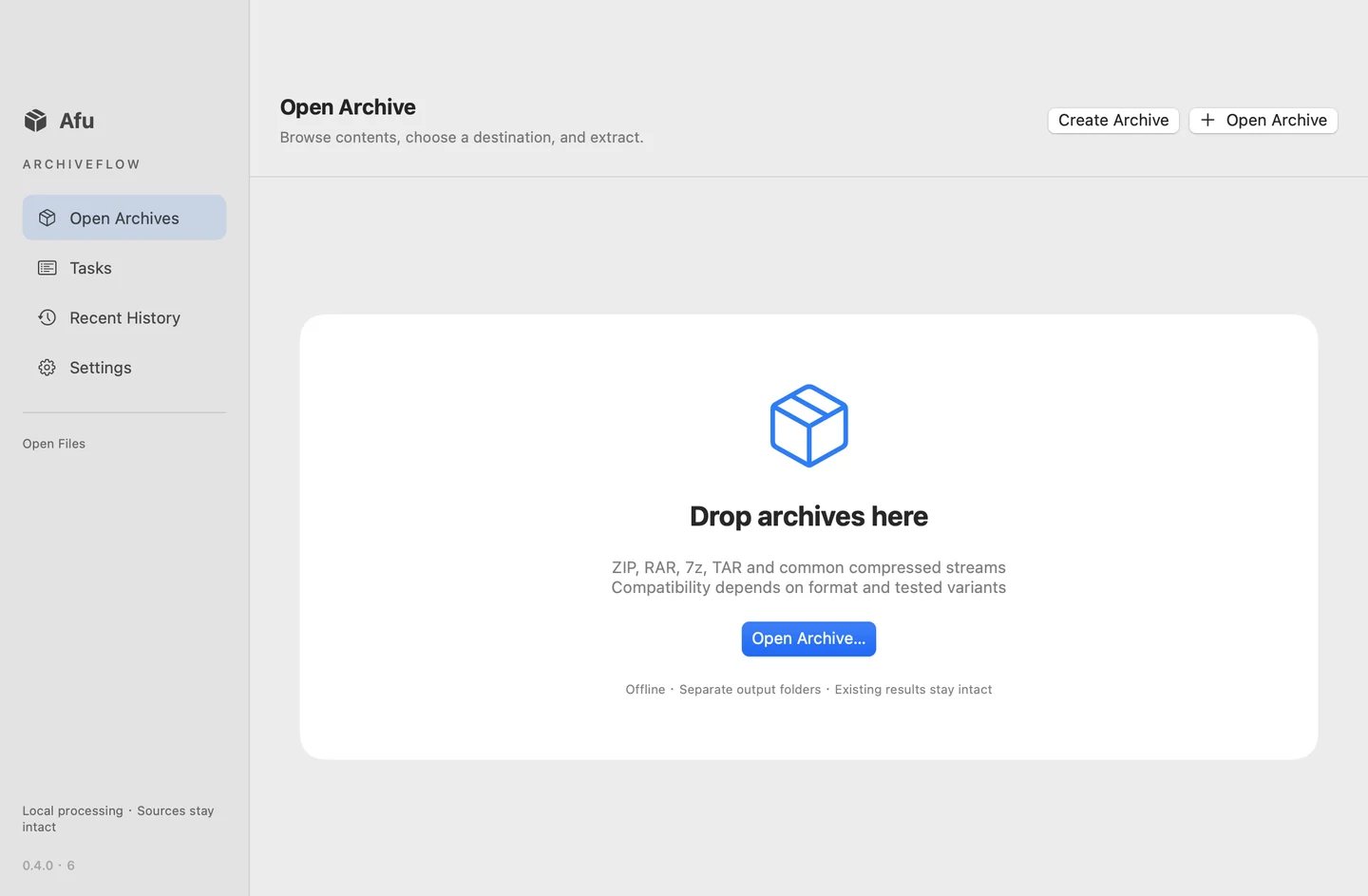
Afu is a native macOS archive creator, browser and extractor. Browse folders, search contents, extract selected files and keep outputs in separate folders. Archive contents and passwords stay on your Mac; licensing and software updates use online services.
Current build: 0.4.0 evaluation
Requires macOS 13 or later. Universal build for Intel and Apple Silicon. Runtime testing has been performed on Intel; Apple Silicon device validation remains pending. This build is ad-hoc signed and is not Apple notarized.
What you can do
- Create ZIP, 7z, TAR, TAR.GZ/BZ2/XZ and single-file GZ/BZ2/XZ archives.
- AES-256 encryption and split volumes for ZIP/7z; optional hidden file names in 7z.
- Browse, search and sort archive contents.
- Extract a whole archive or selected files.
- Queue batch extraction, cancel tasks and locate results in Finder.
- Enter passwords for supported archives and review task history.
- Check and download updates inside Settings → Software Update.
Free and Pro
Single-archive extraction is free. Start a 14-day trial in the app to try Pro batch extraction. Afu Pro is a US$9.99 one-time purchase for v1.x and up to two Macs; applicable taxes appear at checkout. Creem emails your license key. Paste it into Settings → Pro License → Activate / Restore Purchase. Deactivate a Mac before transferring its slot. Downloading this installer does not include a paid license.
Official product page and Pro purchase · Activation and purchase help
Compatibility and limits
Verified round trips for nine creation formats, AES ZIP, encrypted 7z and ZIP/7z split volumes. Official test fixtures passed for encrypted RAR4/5, hidden file names, solid RAR5 and four-volume solid RAR5. RAR extraction only; RAR creation is not included. Archives with different passwords per file cannot be fully extracted with one password. Safety limits: 20 GiB per file, 100 GiB decoded total and 100,000 entries. This is not a guarantee for every archive variant. Unsafe paths and special links are rejected; conflicting output names are kept separate.
Archive previews require a known file size no greater than 100 MiB. Selected extraction may read the whole archive for integrity checks. Try representative files before purchasing.
Install and update
Open ArchiveFlow-0.4.0-evaluation.dmg and drag ArchiveFlow.app into Applications. macOS may warn or block this unnotarized build. Use Settings → Software Update for future updates, or download the current installer from our official website.
Official downloads · Update manifest and SHA-256 checksum
Support: zhangjiacai18@gmail.com
First launch defaults to English. Switch to Simplified Chinese in Settings → Language. Existing language preferences are preserved when upgrading.
Product website and pricing
Features, pricing and activation · Shared official downloads
Download
Install instructions
Install Afu 0.4.0
- Download ArchiveFlow-0.4.0-evaluation.dmg.
- Open the DMG and drag ArchiveFlow.app into Applications.
- Open Afu and choose an output folder when extracting.
Requires macOS 13 or later; universal Intel and Apple Silicon build. This evaluation build is not Apple notarized and macOS may warn or block opening it.
Trial and Pro
Single-archive extraction is free. Start the 14-day Pro trial in Settings → Pro License. To activate a purchase, paste the license key from your Creem email into the same screen and choose Activate / Restore Purchase. A download from itch.io does not include a paid license.
Software updates
Use Settings → Software Update to check and download updates. If you have an older build pointing to the retired download service, manually install the current version from the official website.
Current version and SHA-256 checksum
First launch defaults to English. Switch to Simplified Chinese in Settings → Language. Existing language preferences are preserved when upgrading.
Leave a comment
Log in with itch.io to leave a comment.