ImageCommand
A downloadable tool for Windows and macOS
Shared download count

Successful download starts across the official websites and itch.io, counted since October 4, 2026. Reload this page to refresh the total.
One batch. One workflow.
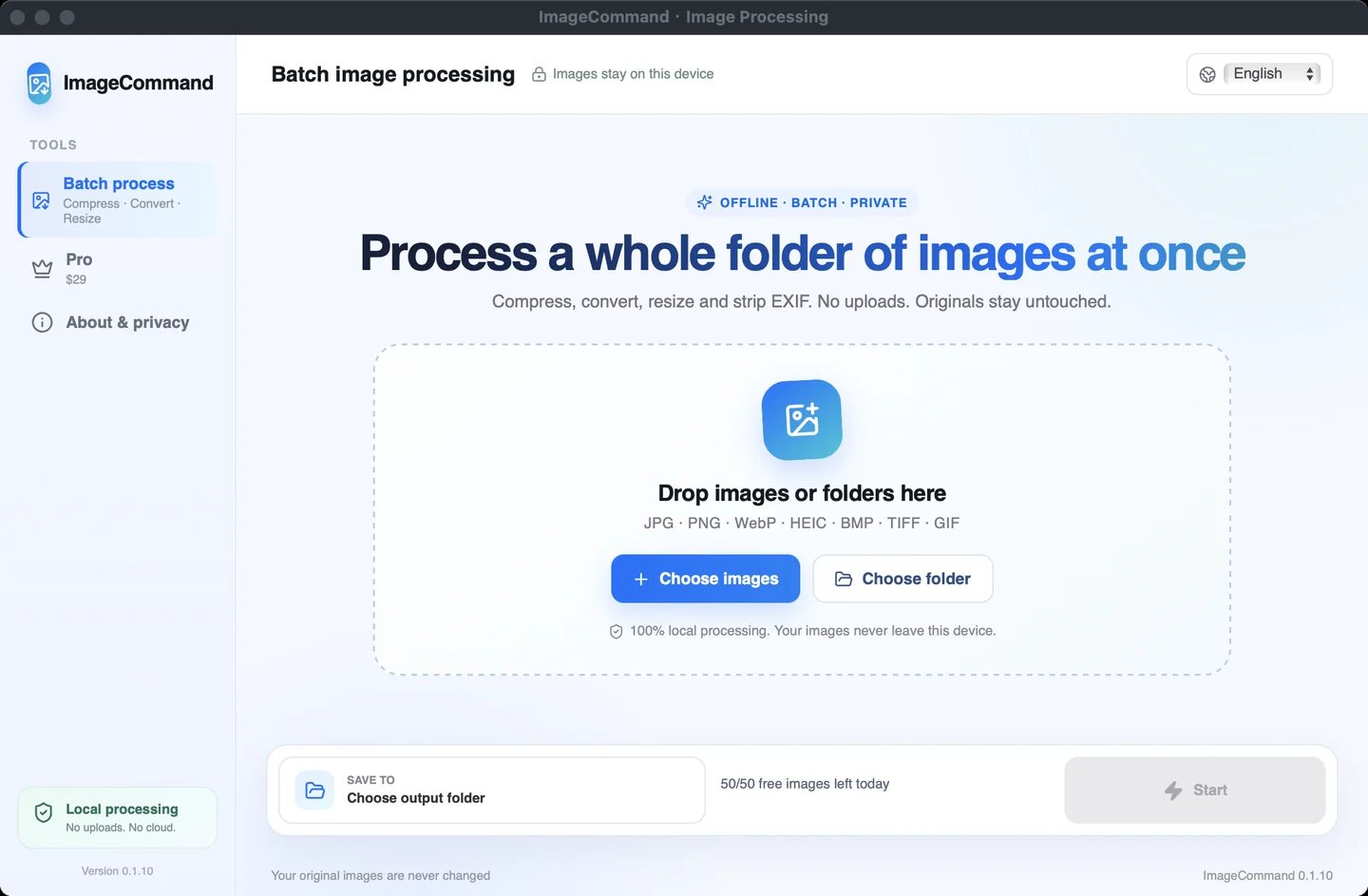
Prepare images for product listings, websites, email and thumbnails without processing them one by one. ImageCommand converts, compresses and resizes images locally, saving outputs separately to preserve your originals.
What you can do
- Convert between JPG, PNG and WebP.
- Adjust compression quality and resize oversized images.
- Start with presets for Shopify, WordPress, email and thumbnails.
- On Windows, import HEIC photos and process files from the Explorer context menu.
Free and Pro
Free processes up to 50 images per day. Pro is a US$29 one-time purchase that removes the daily limit and adds target-size compression, EXIF removal and folder-structure preservation.
Buy through the in-app Pro panel. Creem emails your license key; paste it into the app to activate. One device per key, with in-app deactivation to move to another device. The free itch.io download does not include a Pro license.
Choose your download
- Windows: Windows 10 or 11, 64-bit.
- macOS: macOS 10.15 or later, Intel x86_64. Apple Silicon requires Rosetta 2.
Current downloads: macOS 0.1.9; Windows 0.1.10. The macOS app starts in English and supports switching to Chinese, with your language choice saved across restarts. The macOS build does not support HEIC import or the Windows Explorer context menu.
Before installing
The Windows build is unsigned; the macOS build is not Developer ID signed or notarized. Your system may warn or block opening it. Verify the download source and checksum before installing.
Official website and updates
Current Mac and Windows installers · macOS manifest and checksum · Windows manifest and checksum
Download
Install instructions
Windows
Download ImageCommand_0.1.10_x64-setup.exe and run the installer.
macOS
Open ImageCommand_0.1.9_x64.dmg and drag ImageCommand into Applications. Apple Silicon requires Rosetta 2. Convert HEIC photos to JPG before importing them on macOS.
The macOS app starts in English. Use the language menu at the top right to switch to Chinese.
Download checksums: Windows manifest / macOS manifest.
Official website and updates
Current Mac and Windows installers · macOS manifest and checksum · Windows manifest and checksum
Leave a comment
Log in with itch.io to leave a comment.